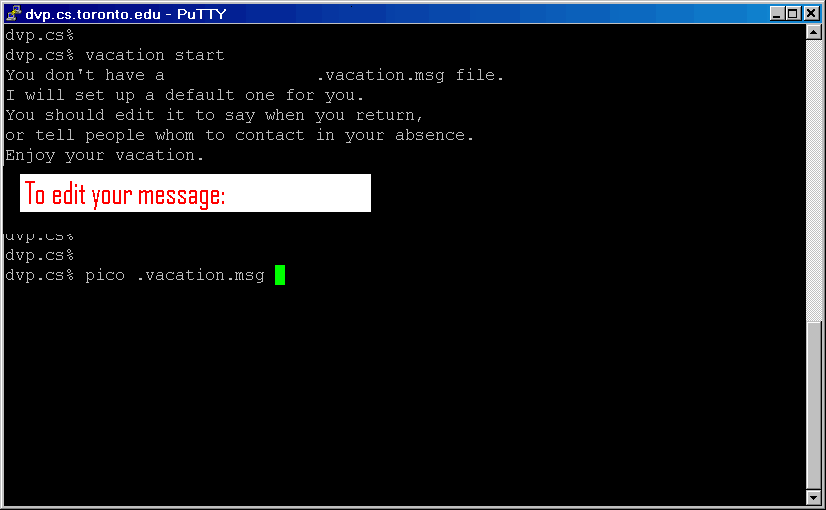
From command prompt on a cslab system (ssh to cs.toronto.edu,
or “that black box”) run the vacation program with the
“start” option. That is type
vacationmessage
start
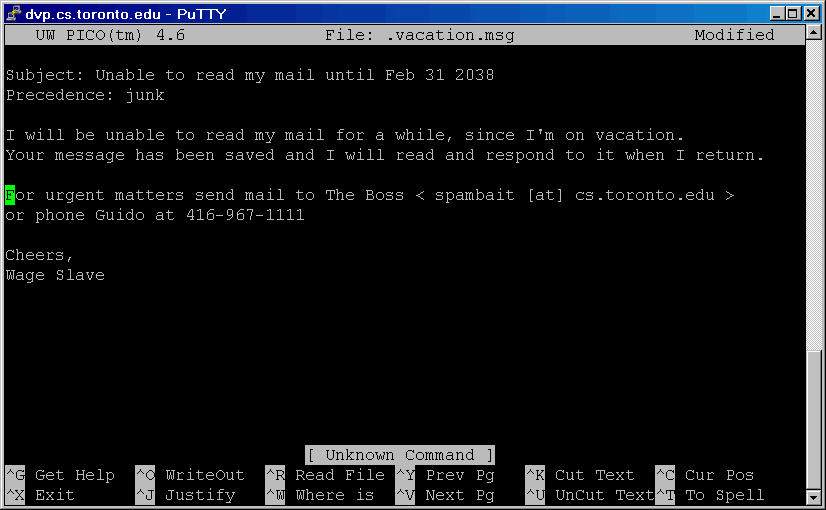
Edit the generic message by typing
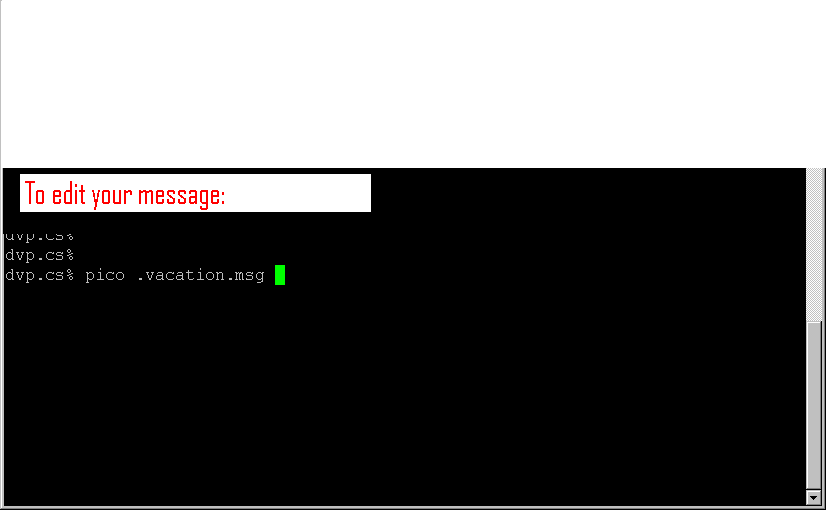
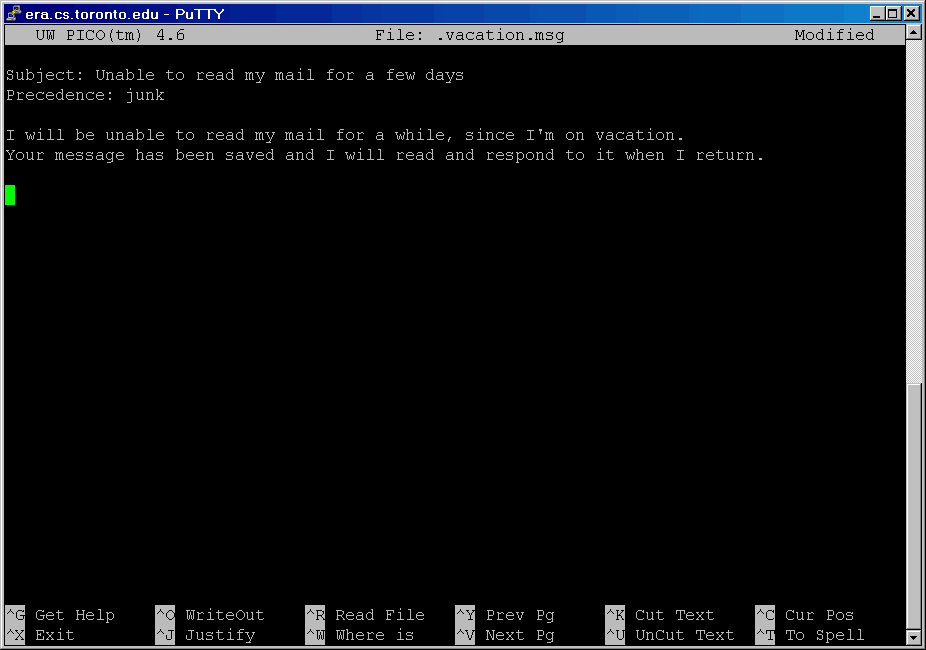
pico .vacation.msg
Note there is a period before the filename ( [dot] vacation [dot] msg )