How to set up an email autoreply (a.k.a. vacation
message)
A.
Creating a vacation message for the first time
If you have never used the vacation system, it can create a generic message for you.
-
From command prompt on a cslab system (ssh to cs.toronto.edu,
click the "putty" icon or get to“that black box”) and run the vacationmessage command with the
“start” option. That is, type
vacationmessage
start
This will generate a generic message, which you will edit in the next step. note "vacationmessage" is all one word, followed by a space then "start"
- From the command prompt, type
vacationmessage stop
this turns off the autoreply which step 1 created.
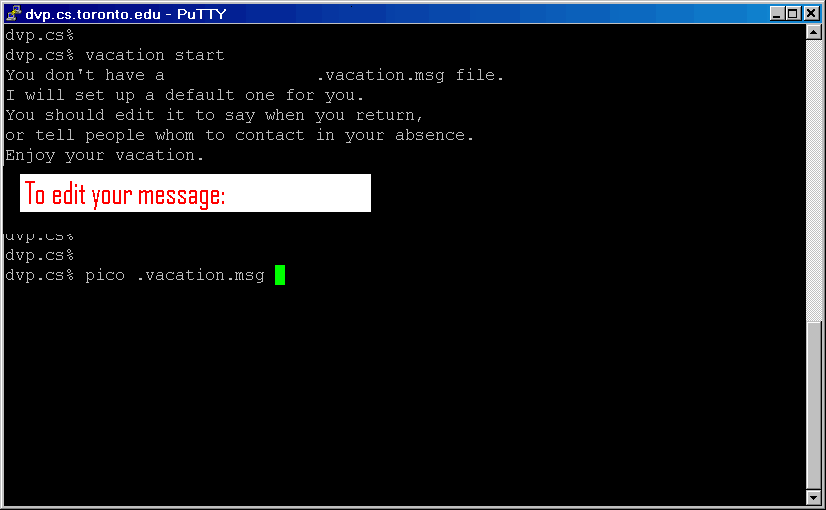
- The screen shot here shows the previous command "vacation" the command is now "vacationmessage"
B. Edit your existing vacation message
From your regular Windows environment:
- Click "Start"
- Select "Run..."
- Typ:
c:\apps\pfe\PFE32.EXE H:\.vacation.msg
Note that there is a dot before "vacation" (i.e. [dot]vacation[dot]msg )
- Edit the auto response message (if necessary) and save.
C. Starting your vacation message
D. Staring your vacation message