An Icalendar feed
of the next year's worth of scheduled DCS Seminars can be added to Google Calendar, if you have one.
First, open your Google Calendar.
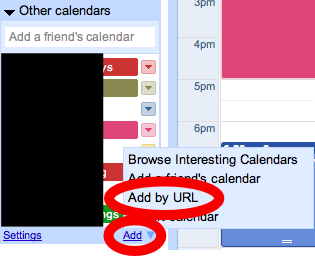
Under Other calendars, click Add, then Add by URL.
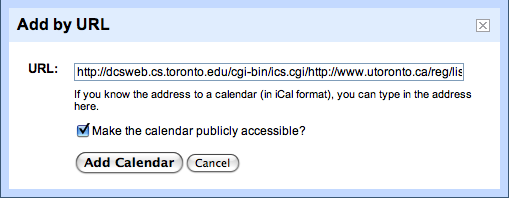
Then paste in the following link:
http://dcsweb.cs.toronto.edu/cgi-bin/ics.cgi/http://sites.utoronto.ca/reg/list_notices_p.pl?dept=csci&time_frame=year
Go to your calendar settings and click the link to reach the
settings for your new Calendar.

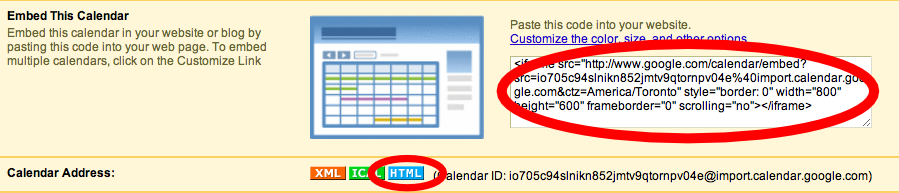
If you want (assuming you made the calendar publicly accessible), you can even embed the calendar in a web page: