Home |
Projects: CSER |
Tropos |


From Visio to OME
- Editing the i* goal model using Visio stencil:

A SR model edited in Visio.
- Saving the Visio document into XML:
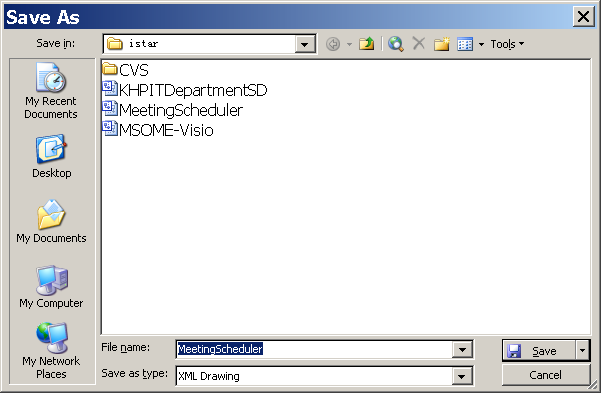
Saving the Visio document into XML document
- Importing the Visio XML document into OME through XSLT
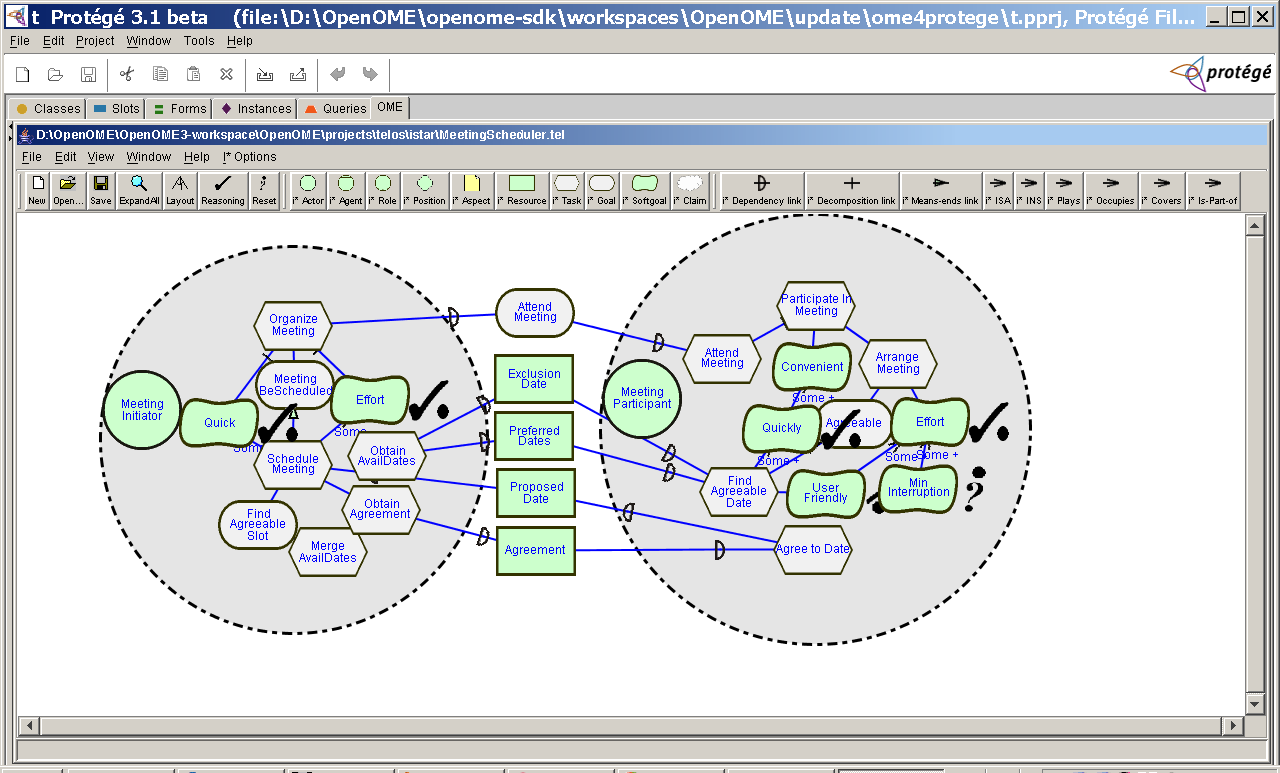
The XML document imported into OME
- Now your can save the imported OME (telos) model into
ontology in Protégé
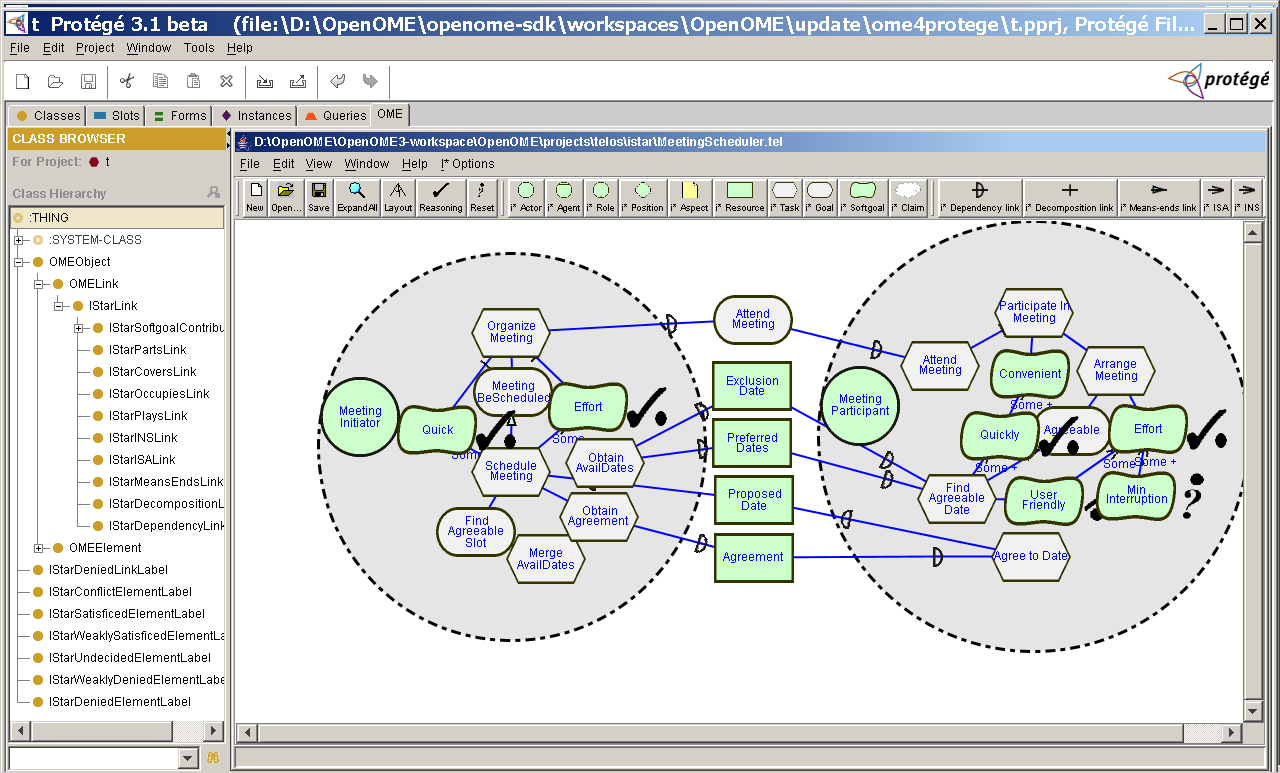
The Protégé project populated with OME objects
- And you can view the instances:
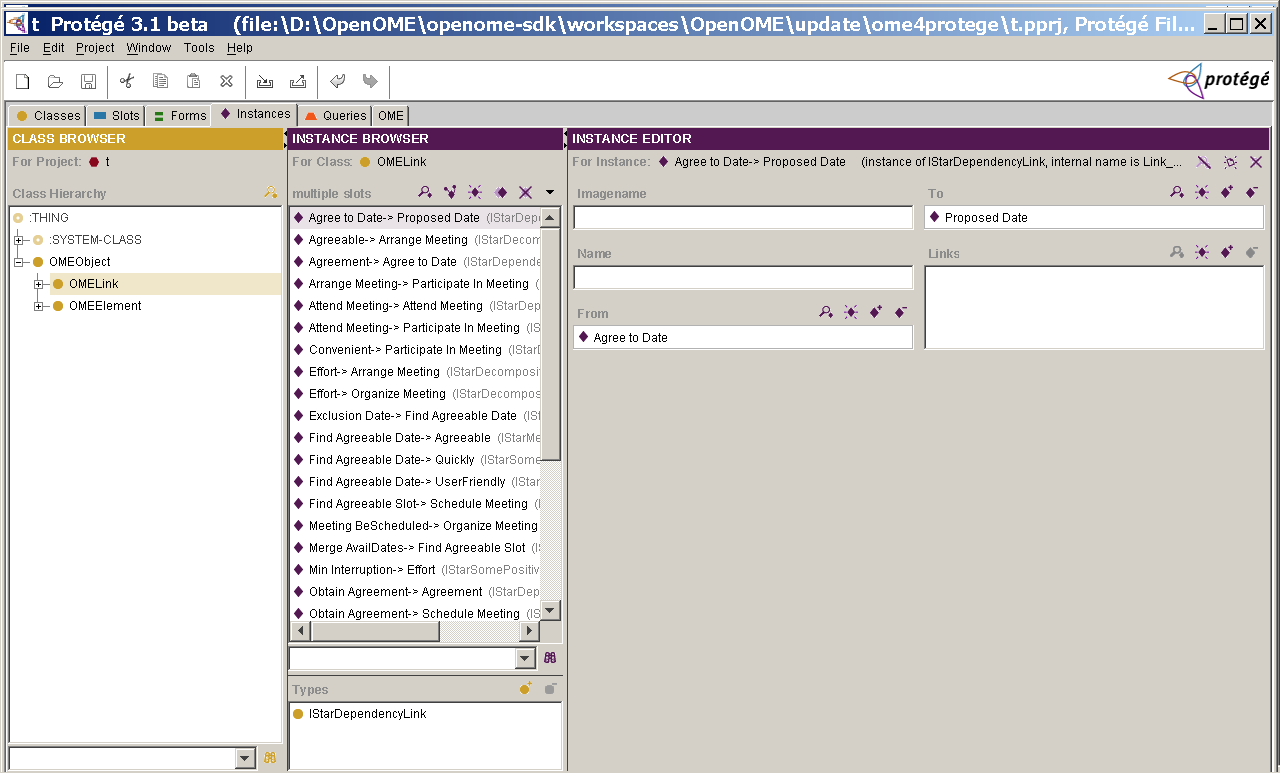
The instances of OMELinks viewed inside Protégé
- Finally, you can save a model in OpenOME as a Visio model by clicking "File/Save as .vdx".